

Welcome to Forever Pontiac
Please click the topic/link below to be transferred the item of interest. As specific social media limit the number of links you can post, we've developed this page for our visitors to quickly get to our highlighted topics/links.
-
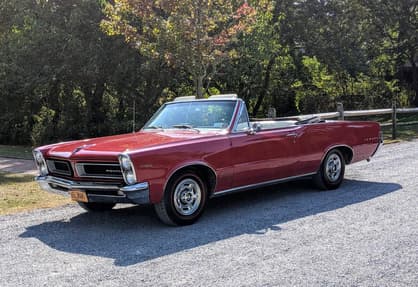
Pontiac of the Month Entries
Enter your Pontiac now for our July Pontiac of the Month!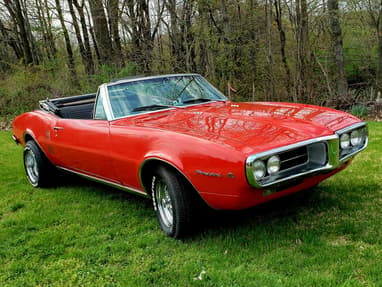
Enter to be in our 2026 Calendar
Enter your Pontiac for a chance to be in our 2026 Forever Pontiac Calendar!
Beach hop 2025 Whangamata New Zealand
Check out the sights from the Beach hop 2025 Whangamata New Zealand.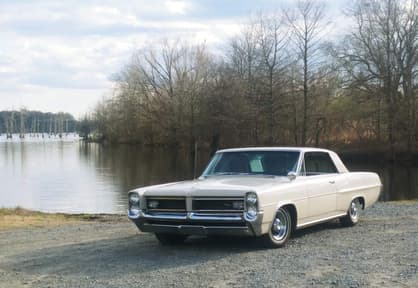
Garage
Online garages are a way to showcase your Pontiac(s) (or other cars)! Showoff photos, share modifications you've done and detail various items about each one..thumb.png.e612d2bfbfcca91136352d7a783be2fe.png)
U.S. Old Car Junk Yards
Need a part? Check out these lists our members compiled of junkyards accross the US. -
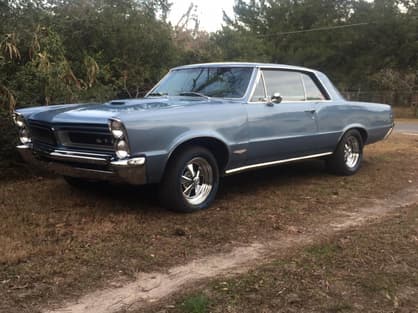
Pontiac Progression Forum
Tell us all about your Pontiac's build and progression. Post pics, tell stories, get help and more in this forum!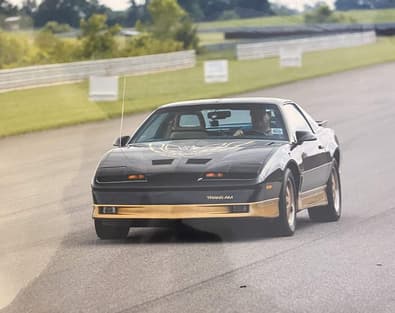
Hot Rod Power Tour 2024
Frosty, our man in the Hot Rod Power Tour, is posting photos and giving us a first-hand look at the awesomeness of HRPT 2024.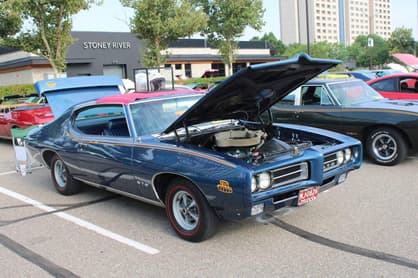
Troy Traffic Jams Show
Tons of great cars but more importantly Pontiacs and GTOs present for the 60th anniversary segement.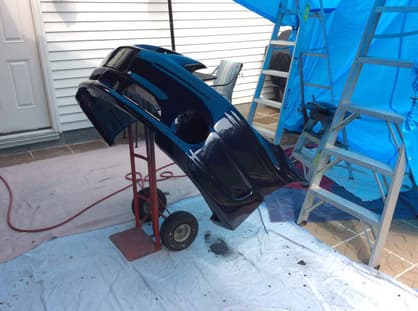
What did you do to your Pontiac today?
Oil change, tire rotation, crate engine drop, simply got gas? Doesn't matter, let's see! -
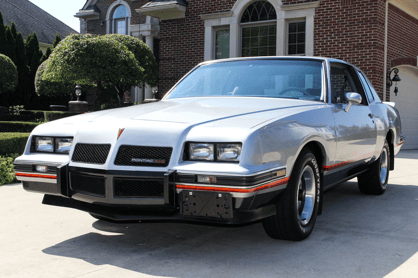
1986 Grand Prix 2+2 - Rare but Classic?
Does being rare and interesting make you a classic? Read about the Grand Prix 2+2 and make your comment.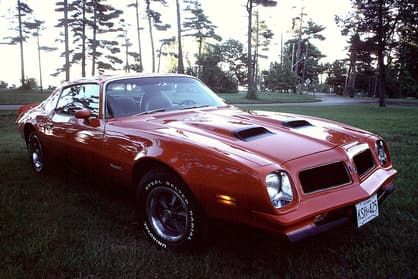
Pontiac This OR That
Select your favorite out of the two cars by clicking either the "Vote for This" for the left car and "Vote for That" for the right car. To have your Pontiac be eligible, please add it to our Garage.
Automobile 101
New to working on cars or need a refresher? Check out this document from our own, LastIndian